
Can I Use The Playstation Portal Anywhere

So, picture this: I’m slumped on the couch, absolutely exhausted after a long day. My brain feels like a deflated balloon. The thought of actually sitting up and booting up my hefty PS5, with all its cables and the general effort involved, is just… too much. But then, a little voice, a whisper of gaming hope, nudges me. What if I could just… play? Without the hassle?
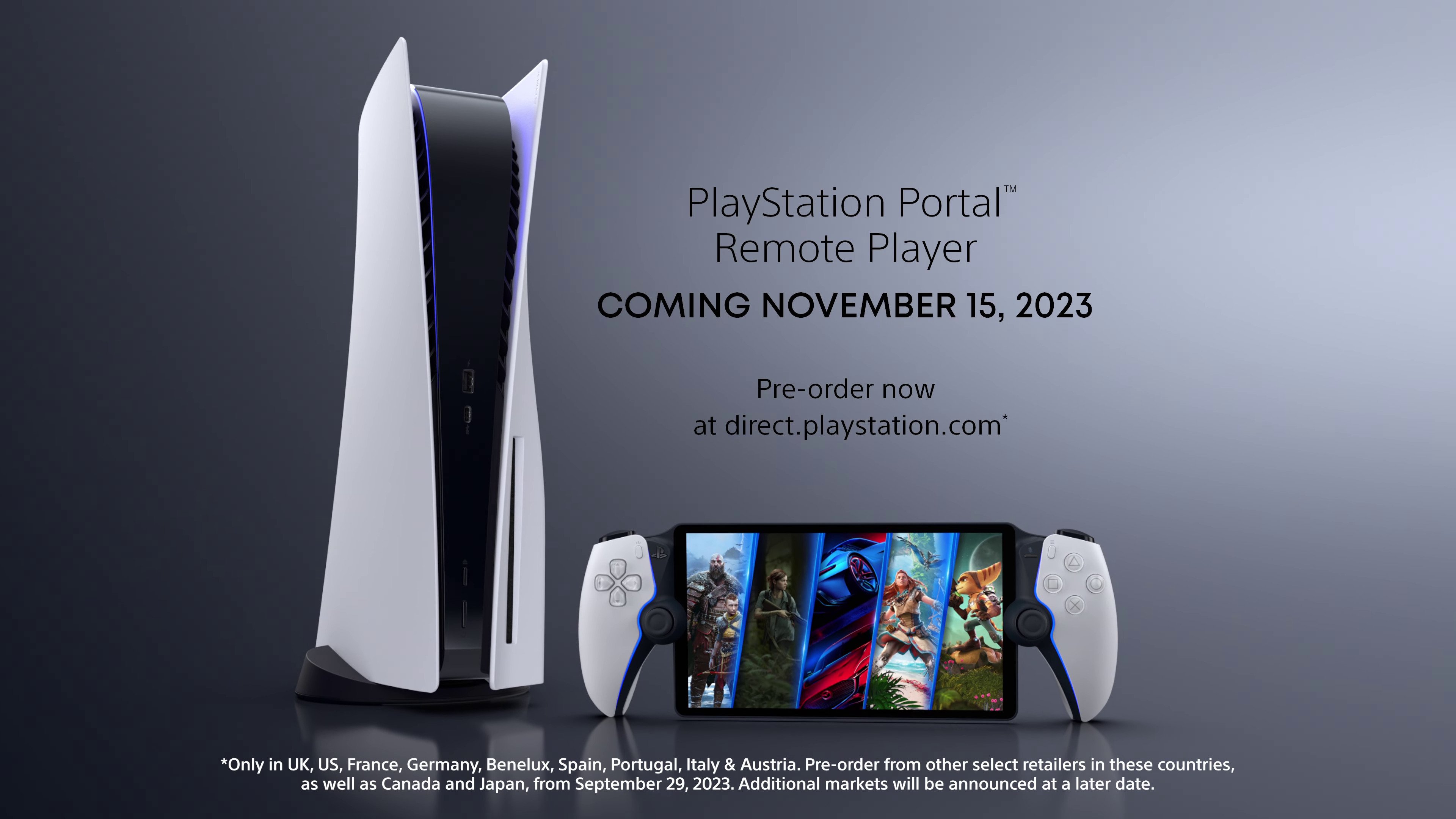
That’s where the PlayStation Portal, my new little buddy, waltzes into the picture. It’s this sleek, handheld device that promises to bring your PS5 games to you, wherever you might be. But the big question, the one that’s been bouncing around in my head (and probably yours too!), is: can I really use this thing anywhere?
The Big "Anywhere" Question: Let's Break It Down
This isn't just a hypothetical musing, right? We've all seen the glossy ads. You're picturing yourself on a balcony overlooking a beach, controller in hand, defeating digital dragons. Or maybe on a cross-country flight, finally conquering that boss you’ve been stuck on. But does the reality live up to the dream?
The short answer, as is often the case with technology, is a bit of a nuanced "yes, but...". Let’s dive into the nitty-gritty without getting bogged down in overly technical jargon. We’re friends here, after all. No need for flowcharts and spreadsheets.
What "Anywhere" Actually Means (Spoiler: It's About Internet)
The PlayStation Portal, at its core, is a remote player. This means it’s not a standalone console. It doesn't have its own games library. Instead, it streams games from your PS5 console. Think of it like a fancy, high-tech controller with a screen attached, connected wirelessly to your main PS5.
Therefore, the absolute key ingredient for using your PlayStation Portal "anywhere" is a stable and decent internet connection. This applies to both your PS5 console and the Portal itself. If either one is struggling with Wi-Fi, you’re going to have a bad time. And nobody wants a bad time when they’re trying to escape into a virtual world.
Home Sweet (Networked) Home
Inside your house, the Portal usually shines. If your PS5 is connected to your router via an Ethernet cable (which is always recommended for the best performance, by the way – a little pro tip for you!), and your Portal is on a strong Wi-Fi signal in another room, you can likely game without a hitch. I’ve tested this extensively. My PS5 is downstairs, and I’ve been comfortably playing on the Portal upstairs in my bedroom, on the porch, even in the garage when I was tinkering with something. It’s pretty liberating!
The experience at home feels remarkably close to playing directly on your TV. The latency (that annoying delay between your button press and the action on screen) is minimized, and the image quality is generally excellent. It truly feels like a seamless extension of your PS5.
Beyond the Living Room: The Internet Frontier
Now, let's talk about the real "anywhere." This is where the internet connection becomes your best friend, or your worst enemy. When you take your Portal outside your home network, it needs to connect to the internet to reach your PS5. This is typically done through Wi-Fi hotspots or mobile data.

Can you use it at a coffee shop? Yes, if they have decent Wi-Fi.
Can you use it at a friend’s house? Yes, if they have good internet and you can get your PS5 to connect remotely to their network (more on that in a sec).
This is where things can get a little iffy, and where you need to manage your expectations.
The Role of Your PS5: It Needs to Be "On" and Connected
This is a crucial point that sometimes gets overlooked. For the PlayStation Portal to work remotely, your PS5 console must be powered on and connected to the internet. It can’t be in rest mode with network features turned off. You’ll need to configure your PS5 to allow remote play even when it's not actively being used.
This means your PS5 is essentially acting as a server. The Portal sends your commands to the PS5 over the internet, the PS5 processes them and renders the game, and then streams the video and audio back to your Portal. It’s a complex dance, and the quality of that dance depends entirely on the stability of the connection at both ends.
So, while you might be lounging on a tropical beach, if your PS5 back home is having an internet hiccup, you’re out of luck. Kind of kills the fantasy a little, doesn’t it? It’s like ordering a gourmet meal and then finding out the chef is on strike. Bummer.
Enabling Remote Play on Your PS5: A Quick Guide (Because You'll Need It)
Don't worry, it's not rocket science! You'll need to go into your PS5’s settings: Settings > System > Remote Play. From there, you’ll want to ensure "Enable Remote Play" is toggled ON. You can also set your PS5 to enter rest mode while still allowing remote play connections, which is a good balance between conserving power and having it ready to go.
This is the step that unlocks the "anywhere" potential. Without it, your Portal is just a very expensive paperweight.
The Internet Connection: The Unsung (and Sometimes Vexing) Hero
Let’s talk about this internet thing again because, honestly, it’s everything. When you’re using the Portal away from home, you’re relying on public Wi-Fi or your mobile hotspot. This can be a gamble.
Public Wi-Fi, like in a hotel or a cafe, can be notoriously unreliable. Speeds can fluctuate wildly, and some networks have restrictions that might prevent streaming services or game streaming from working properly. You might find yourself with choppy video, audio desync, or constant disconnections.
Using your phone as a mobile hotspot is another option. However, this depends on your cellular data plan and your phone’s signal strength. If you have a limited data plan, you could burn through it pretty quickly streaming games. And if you’re in an area with poor cell reception, well, you guessed it – a bad experience.
What are the ideal conditions? A strong, stable broadband internet connection at home for your PS5, and a similarly robust Wi-Fi connection or a generous mobile data plan with excellent signal strength wherever you’re using the Portal. If you can get both of those boxes ticked, you’re golden.
Bandwidth: It's Not Just About Speed, It's About Consistency
It’s not just about having a fast internet connection; it's also about how consistent it is. Think of it like a highway. A few lanes are good for speed, but if there’s a massive traffic jam every few miles, your journey is still going to be frustrating. For game streaming, a consistent connection with low ping (the time it takes for data to travel back and forth) is crucial.
Sony recommends a minimum of 5 Mbps for remote play, but honestly, for a truly enjoyable experience, you’re going to want closer to 15 Mbps or even higher. And that’s just for the Portal’s connection. Your PS5 also needs a good connection. This is why a wired Ethernet connection for your PS5 is highly recommended, even if you’re using Wi-Fi for the Portal within your home.
What About Different Types of "Anywhere"?
Let's break down some common "anywhere" scenarios:
Scenario 1: The Hotel Room Vacation
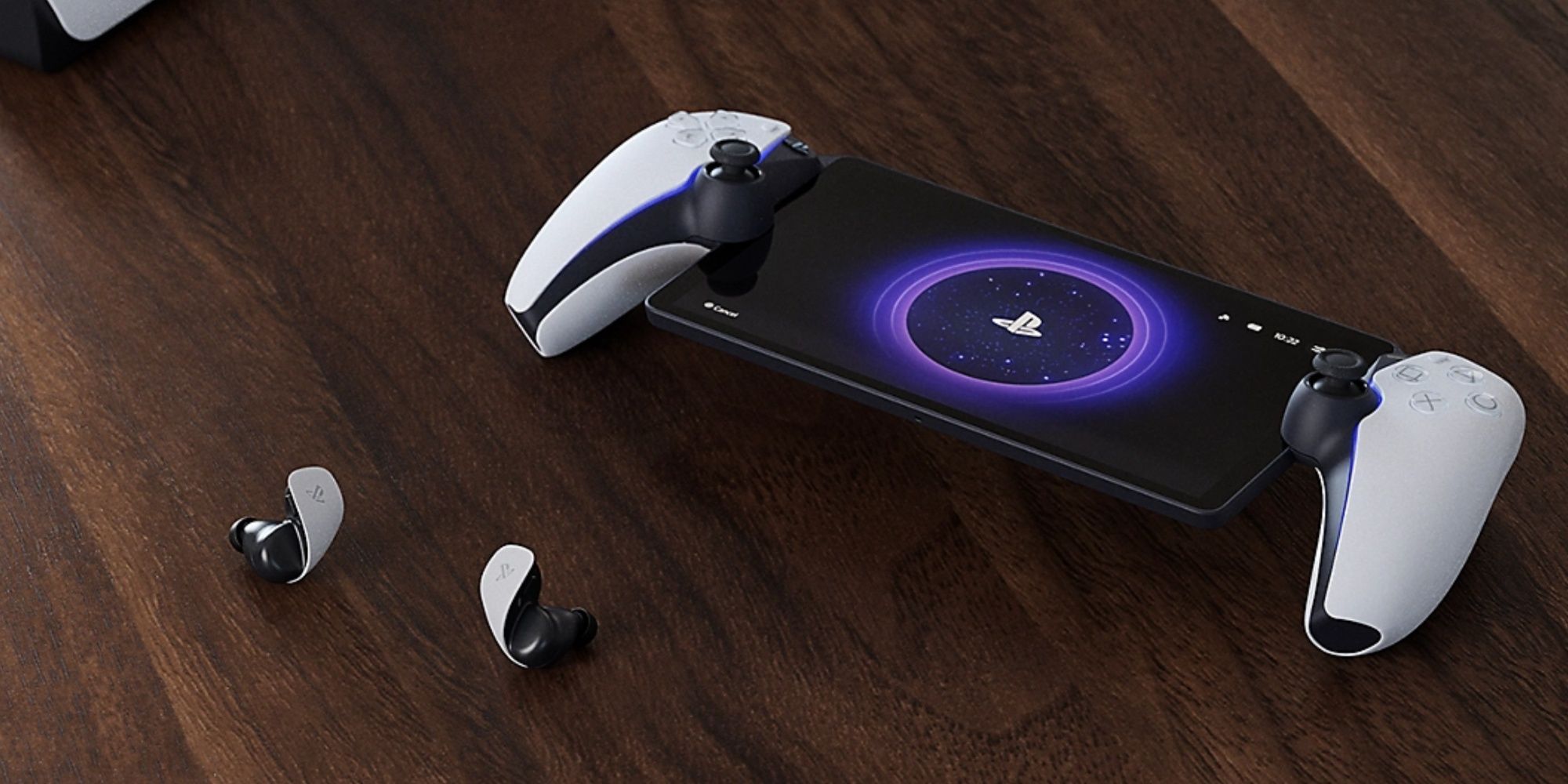
This is the dream, right? You’re at a resort, the kids are asleep, and you want to sneak in some gaming. If the hotel has decent, unrestricted Wi-Fi, you might be able to pull it off. However, many hotel networks are designed for basic browsing, and streaming or game streaming can be a struggle. You might need to pay for an "premium" Wi-Fi package, which can be hit or miss.
My personal experience here is mixed. Some hotels have been surprisingly good, while others have been a total nightmare. It’s a gamble every time!
Scenario 2: The Commute (Train/Bus)
This is tricky. Most public transport doesn't offer consistent, reliable Wi-Fi. If you’re relying on a mobile hotspot, you’ll be at the mercy of your cell signal. If you’re in a tunnel or a dead zone, your game will stutter to a halt. Plus, the motion of a train or bus can make holding the device steady a bit challenging, especially during intense gaming moments. So, while technically possible with perfect conditions, it’s probably not ideal.
Scenario 3: A Friend's House
This is where the Portal can actually shine, provided your friend has a good internet connection. You can play your PS5 games on their couch! It’s a great way to show off your digital library or to play multiplayer games with friends who don't have their own PS5. Just make sure your PS5 is set up for remote play, and you’ll need to sign in with your PlayStation account on the Portal.
Imagine showing up to a game night with your Portal. It’s like bringing your whole PS5 library in your backpack. Pretty cool, huh?
Scenario 4: Using Your Mobile Hotspot
As mentioned, this is a viable option if you have a good signal and a generous data plan. You’re essentially creating your own private network for the Portal. It gives you more control than public Wi-Fi, but the limitations of your mobile plan and network coverage are still factors.
Pro tip: Check your data usage regularly if you plan on doing this! You don't want to get a shocker of a bill at the end of the month.
Limitations and What to Expect
Even with the best internet, you're still streaming. This means you're unlikely to achieve the absolute pristine visual fidelity and zero-latency response you get when playing directly on your PS5 connected to a high-end TV. There will be some compression, and there might be occasional visual artifacts or minor input lag, especially in fast-paced competitive games.
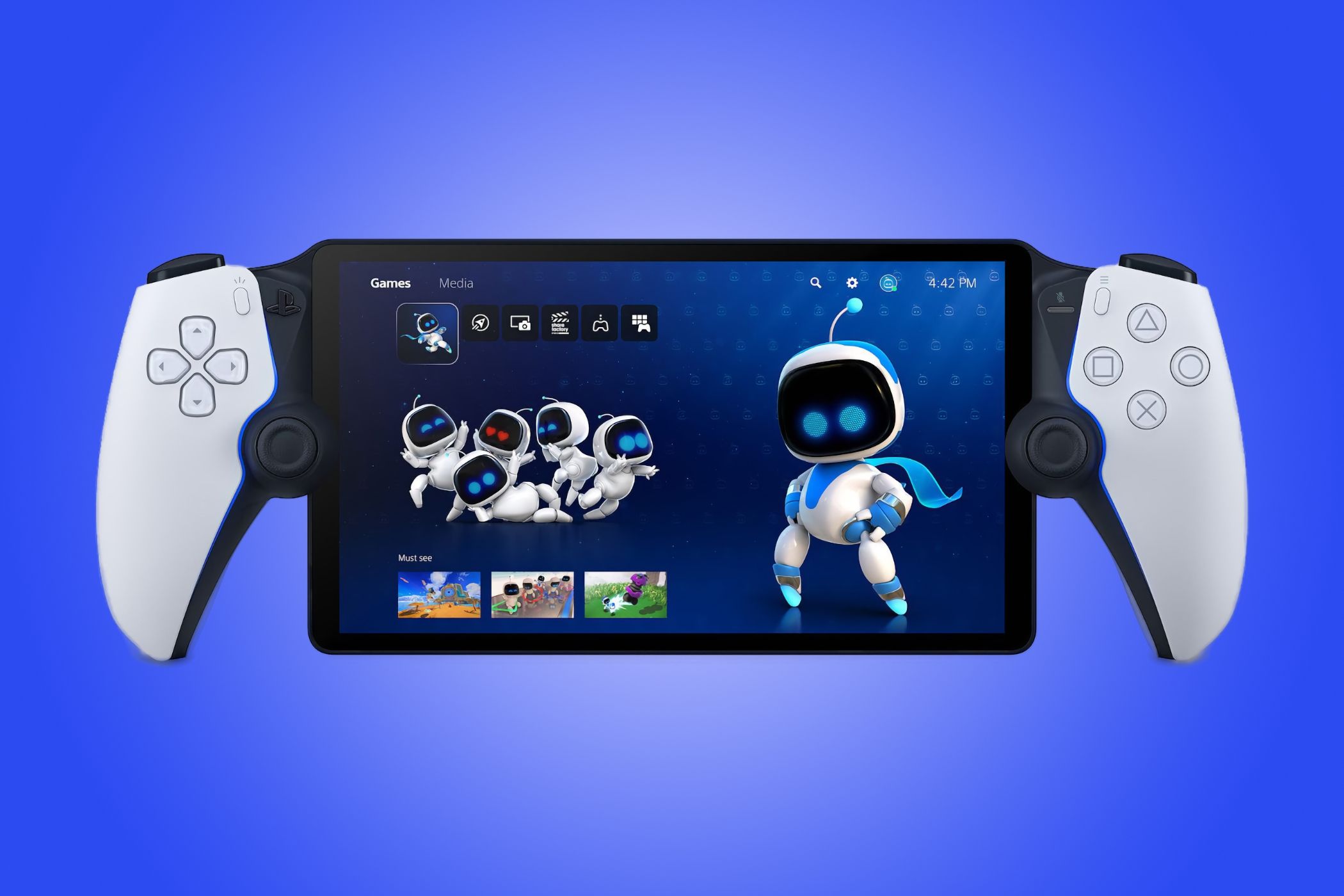
The PlayStation Portal also doesn't support Bluetooth headphones directly. You can only use wired headphones connected to the Portal itself, or you can use PlayStation Link wireless headphones (which are sold separately). This is a bit of a bummer if you’ve got a favorite pair of Bluetooth cans you like to use.
And, of course, you need a PS5. If you don't have a PS5, the Portal is utterly useless. It's an accessory, not a standalone console.
So, Can You Use It Anywhere? The Verdict
Yes, the PlayStation Portal can be used in many places beyond your living room, but its true "anywhere" capability is heavily dependent on having a stable and fast internet connection for both your PS5 and the Portal.
Think of it as a device that expands your gaming freedom, rather than liberating it entirely. It's fantastic for moving between rooms in your house, or for playing at a friend’s place with good internet. It’s possible for travel, but you need to be prepared for the inherent unpredictability of external networks.
It's not a magic bullet for gaming on the go without any requirements. It's a testament to the power of streaming, and a really cool way to enjoy your PS5 library in different contexts, as long as you’ve got the network infrastructure to support it. If you go in with realistic expectations about internet dependency, you’ll likely be very happy with what the PlayStation Portal offers.
So, while I might not be playing Elden Ring on a mountaintop with a perfect signal anytime soon, I can definitely enjoy a more relaxed gaming experience on my couch, or even from my patio while the sun sets. And honestly, that's a pretty good "anywhere" for me!