
How Do I Make A Texture Pack
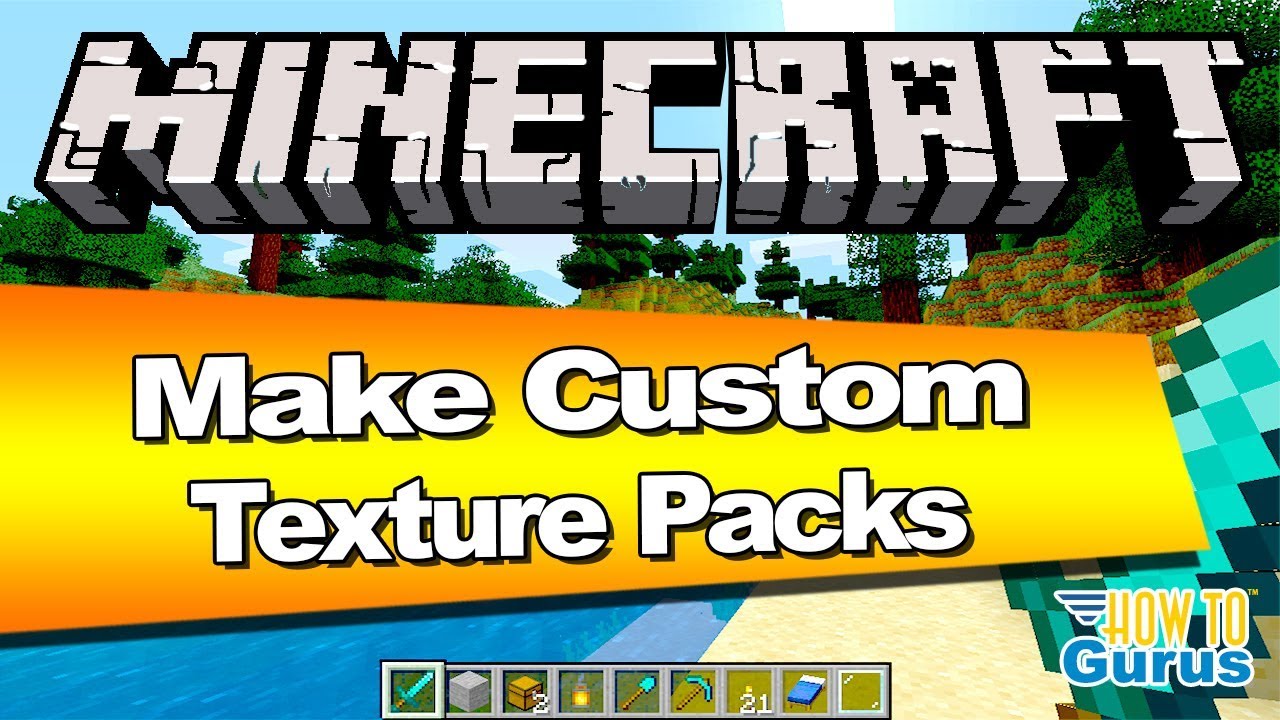
Ever found yourself staring at your favorite game's world and thinking, "You know what this needs? More sparkle! Or maybe a totally ridiculous, cartoonish vibe!"? If so, then welcome to the super fun club of making your own texture pack! It sounds fancy, but trust me, it's like playing dress-up for your game, and the results are awesome.
Imagine your trusty pickaxe in a game like Minecraft. Right now, it's probably got a pretty standard look, right? But what if you decided that pickaxe needed to look like it was carved from a giant gummy bear? Or what if you wanted your cobblestone walls to look like they were made of fluffy clouds? That's where a texture pack comes in. You're basically the artist, and your game world is your giant, digital canvas.
The whole idea is to swap out the default "skins" or "textures" that make up everything you see in the game. Think of it like changing the wallpaper in your house, but way, way cooler because your house is now a medieval castle, or a futuristic space station, or a cozy little hobbit hole. You get to decide what all of it looks like!
Why is this so entertaining? Oh, let me tell you! It's the ultimate form of creative freedom. You're not limited by what the game developers decided was "normal." If you think a sheep should be bright pink with polka dots, you can make that happen! If you want your potions to glow with an eerie, unnatural light, go for it. The sillier or more spectacular you can imagine it, the more fun you can have bringing it to life.
It's also a fantastic way to give your favorite games a fresh, new feel. Sometimes, after playing a game for a long time, the visuals can start to feel a little... samey. A custom texture pack can breathe new life into it, making you see familiar places and items in a completely different, exciting way. It's like discovering your game all over again!

One of the most magical parts is that you don't need to be a professional artist with years of training. Most texture packs are made using simple image editing software. Think programs like GIMP (which is free!) or even something as accessible as Paint.NET. You're essentially drawing, recoloring, or even just slightly tweaking existing images.
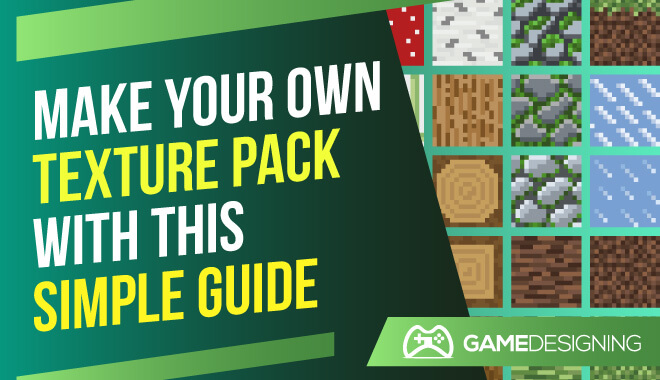
Let's say you want to change the look of your dirt blocks in Minecraft. You'd find the image file for the dirt texture, open it in your image editor, and then... well, let your imagination run wild! You could make it look like rich, fertile soil with tiny little flowers popping out. Or maybe you want it to look like cracked, desert earth. Or, if you're feeling mischievous, you could make it look like a pile of muddy socks. The choice is entirely yours, and that’s the beauty of it!
It's like having a secret superpower to reshape the reality of your digital world.
And the best part? You get to share your creations! Once you've made a texture pack that you're proud of, you can often upload it for other players to enjoy. Imagine someone loading up your game and being greeted by a world you designed, a world filled with your unique artistic vision. It's incredibly rewarding to see other people experiencing something you brought into existence.
The process itself can be surprisingly therapeutic. It’s a chance to switch off from the everyday and dive into a world of colors, shapes, and creative problem-solving. You might start by changing just one or two textures, and before you know it, you're deep into redesigning entire environments. It’s a wonderfully absorbing hobby.
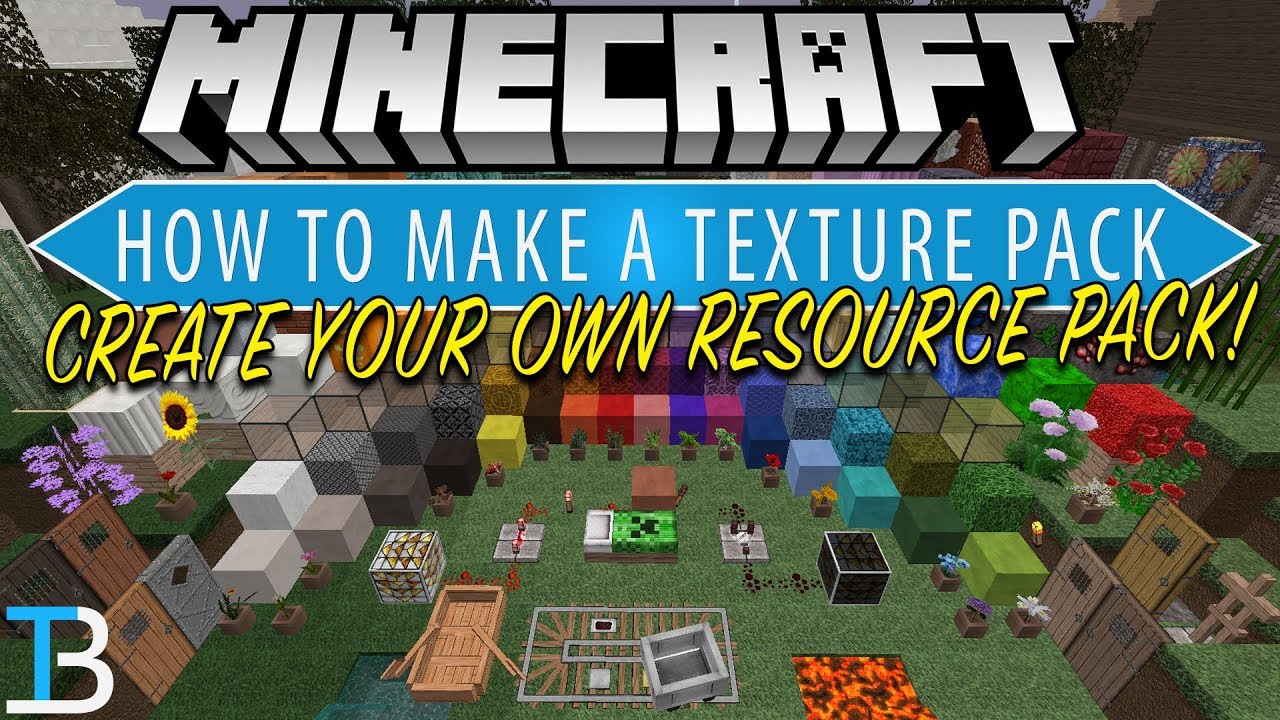
For games that have been around for a while, like the ever-popular Minecraft, there's a massive community of people who love creating and sharing texture packs. You can find packs that are hyper-realistic, making the game look almost like a photograph. Or you can find packs that are incredibly cartoony and cheerful, bringing a constant smile to your face. There are even packs designed to make things look like they're from different eras, like a retro-themed pack or a medieval fantasy pack.

The effort you put in really shows. Even small changes can have a huge impact. For example, just changing the way the water looks can make a whole biome feel totally different. Making it crystal clear, or dark and mysterious, or even a vibrant, unnatural color can transform your experience.
So, if you've ever looked at a game and felt that spark of "I could do something with this," then making a texture pack is your invitation to do just that. It's an accessible, entertaining, and deeply satisfying way to personalize your gaming experience and express your creativity. Don't be afraid to dive in; you might just surprise yourself with what you can create!
Think about your favorite block. Is it stone? Wood? Or maybe something more exotic? What if that block suddenly looked like it was made of delicious cookies? Or perhaps it could shimmer with a magical, arcane glow? The possibilities are truly endless, and the only limit is your imagination. So, grab an image editor, find the textures for your game, and start playing around. You’re about to unlock a whole new dimension of fun!