
How To Find A Minecraft Ip Address
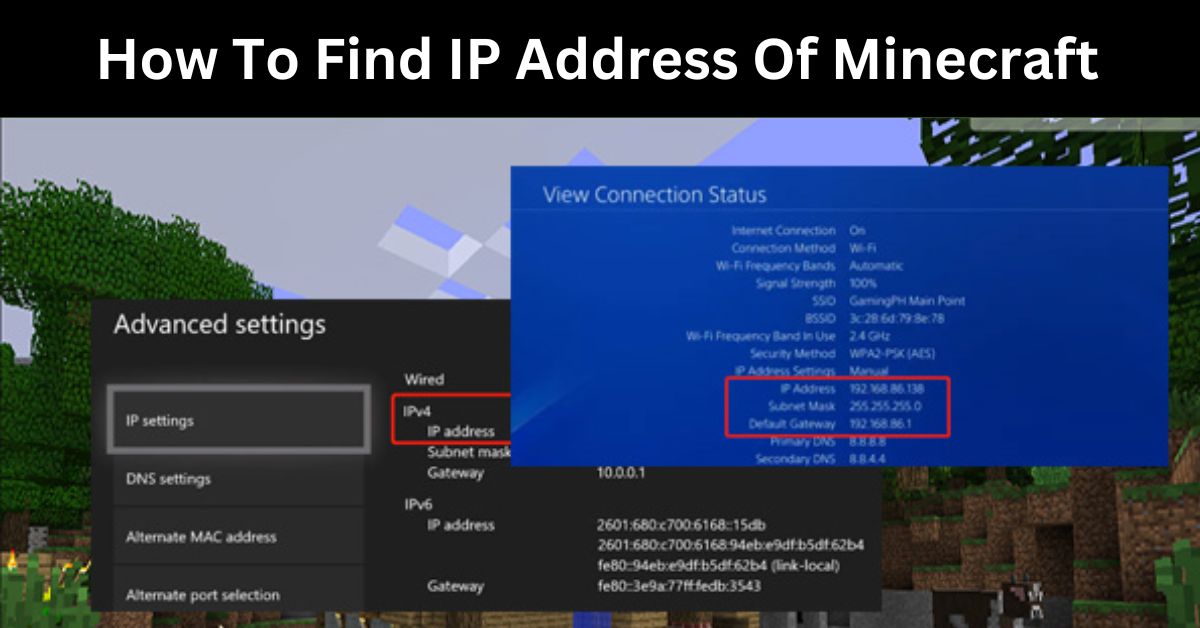
So, you've been diving into the amazing, blocky world of Minecraft, building castles, battling creepers, and exploring endless landscapes. But have you ever wondered how you actually connect to other players or servers? That's where the Minecraft IP address comes in! Think of it as the secret handshake or the secret address that lets your game find its way to where the action is. It’s a little bit of technical magic that unlocks a whole new level of fun and connection in your Minecraft adventures.
For beginners just starting out, understanding IP addresses can seem a little daunting, but it's actually quite straightforward. It’s like learning the address of a friend’s house – once you know it, you can visit anytime! If you're playing with family, knowing how to find an IP address allows you to easily set up your own private world for everyone to join, creating shared memories in your own digital sandbox. And for the dedicated hobbyists who love tinkering and exploring beyond the basics, it opens doors to a universe of custom servers with unique game modes, minigames, and communities from all over the globe.
Let's talk about what an IP address does. In Minecraft, when you want to join a multiplayer game, you'll usually see a field that asks for a "Server Address" or "IP Address." This is the string of numbers (like 192.168.1.100 for a local network or a series of dots and numbers for an internet server) that tells your game client where to find that specific server. Without it, you'd be stuck in your single-player world, no matter how many friends you invite to play!
There are a few common scenarios. If you're playing on a server hosted by a friend on their computer, they'll need to give you their computer's local IP address, which you can often find by typing ipconfig (on Windows) or ifconfig (on Mac/Linux) into your command prompt. If you're joining a public Minecraft server, the server owner will have an IP address they've registered, which they'll share on their website or through communities. Sometimes, these public servers use a domain name, which is a more human-friendly version like play.minecraftserver.com, but behind the scenes, it’s still resolving to an IP address!
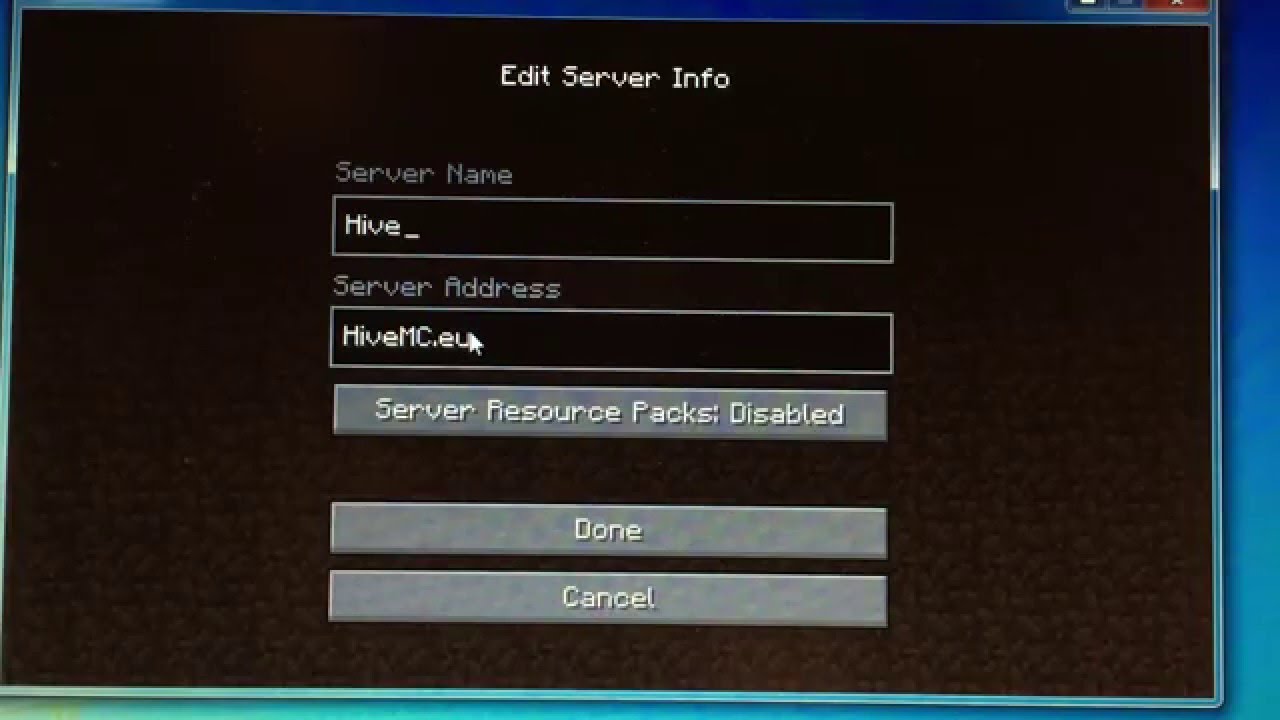
So, how do you actually get started finding these addresses? For joining a friend's game, simply ask them! They can usually find their local IP address easily. For public servers, a quick Google search for "Minecraft servers" or "best Minecraft servers" will give you plenty of options with their corresponding IP addresses. Many server websites also have a dedicated "Join Us" section that clearly displays the IP. Don't be afraid to experiment! Trying out different servers is part of the fun.
In conclusion, understanding how to find a Minecraft IP address is a small step that unlocks a world of shared adventures. Whether you're looking to connect with family, friends, or a vast global community, knowing the address is your ticket to endless fun. So, go forth, explore, build, and connect – your next epic Minecraft journey awaits!