
How To Play Tabletop Simulator Single Player
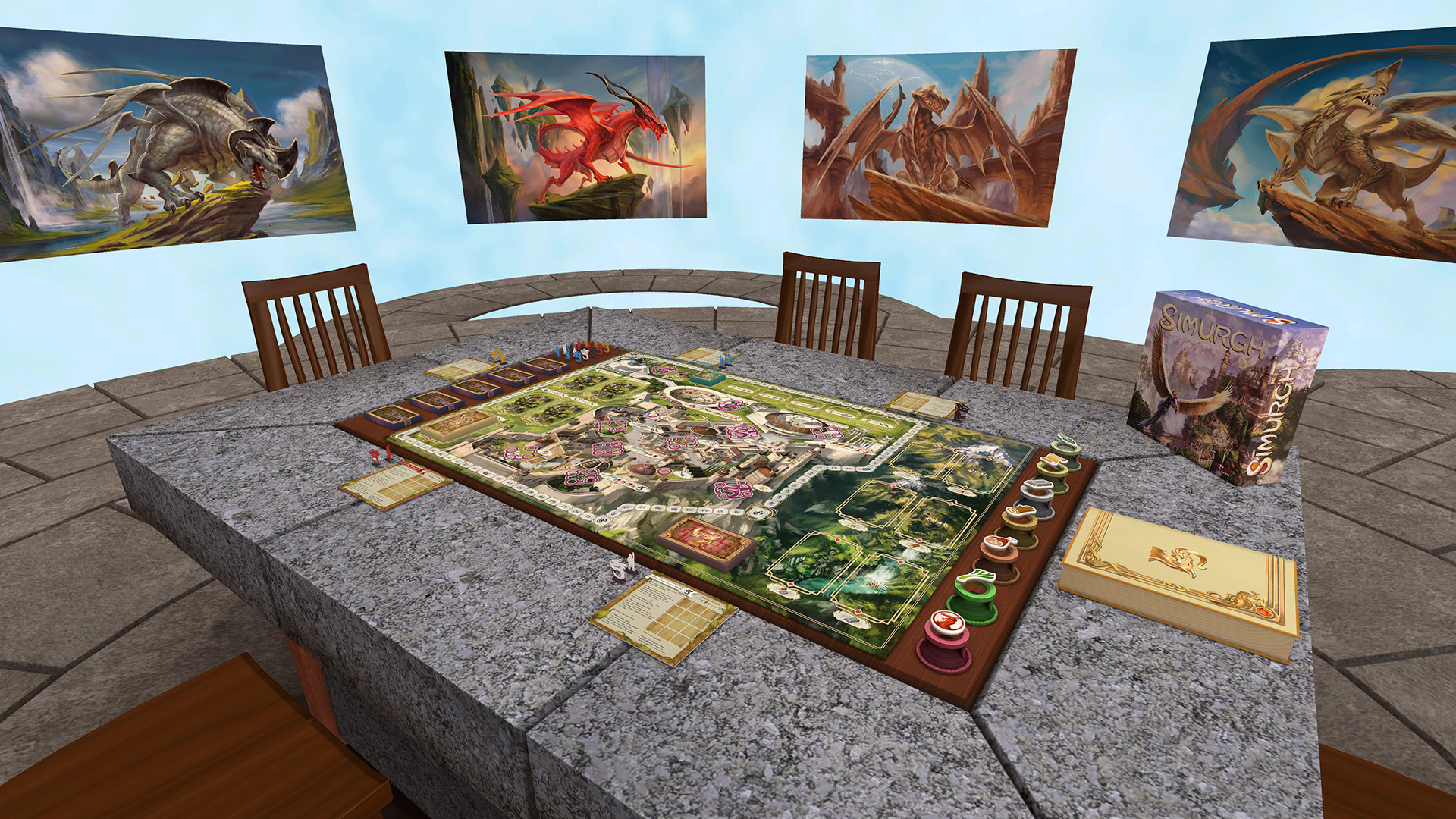
Ever feel that itch for a board game, but your friends are all busy or too far away? Or maybe you just want to try out a new, complex game without overwhelming a group? Well, get ready to unlock a world of tabletop fun, because playing Tabletop Simulator in single player is an absolute game-changer! It’s like having a personal, infinitely patient board game cafe right at your fingertips, ready to serve up endless entertainment whenever you want it. No more waiting for schedules to align or explaining intricate rules for the tenth time. This is your solo gateway to epic adventures, strategic showdowns, and casual dice-rolling sessions, all on your own terms.
Why Go Solo in Tabletop Simulator?
The beauty of Tabletop Simulator (often affectionately shortened to TTS) is its incredible versatility. While it shines as a social platform, its single-player mode offers a unique set of advantages that make it incredibly appealing. For starters, it's the ultimate sandbox for learning new games. Ever looked at a behemoth like Gloomhaven or Twilight Imperium and felt intimidated? In single-player TTS, you can take your sweet time, set up the game exactly how you want, and experiment with different strategies without any pressure. You can rewind moves, undo actions, and consult rules without holding up a table of eager players.
Beyond learning, it’s a fantastic way to practice and hone your skills. If you’re gearing up for a tournament or just want to master a particular game, single-player mode lets you play out multiple scenarios, test different openings, and really dig into the nitty-gritty of game mechanics. It’s also an amazing creative outlet. The Steam Workshop is brimming with user-created content, from faithful recreations of classic board games to entirely original creations that push the boundaries of what a tabletop experience can be. You can download and try out hundreds, if not thousands, of games without spending a dime on physical copies.
And let's not forget the pure, unadulterated joy of simply playing a game you love when you want to. Had a long day and just want to unwind with a quick game of Ticket to Ride or a more involved session of Scythe? TTS single player is there for you, no compromises, no negotiation required. It’s the perfect antidote to gaming FOMO (Fear Of Missing Out) and a brilliant way to keep your gaming skills sharp and your enthusiasm high.
Getting Started: Your Single-Player Adventure Awaits
So, how do you actually dive into this solo board game paradise? It's surprisingly straightforward.

First things first, you’ll need to own Tabletop Simulator on Steam. Once it's installed, launch the game. You'll be presented with a main menu. From here, you want to select the option that says "Singleplayer."
Clicking on "Singleplayer" will take you to a screen where you can create your own private game. You'll have a few options:
- "Create": This is where the magic happens. You'll be presented with a list of available tables and games.
- "Load": If you've previously saved a game session, you can load it up here to pick up where you left off.
- "Games": This tab is your treasure trove. Here, you can browse a vast library of games that have been uploaded to the Steam Workshop.
For your first solo foray, you'll likely want to click on the "Games" tab. This is where you can search for, subscribe to, and then play any board game imaginable. Imagine your dream game shelf, now available virtually!
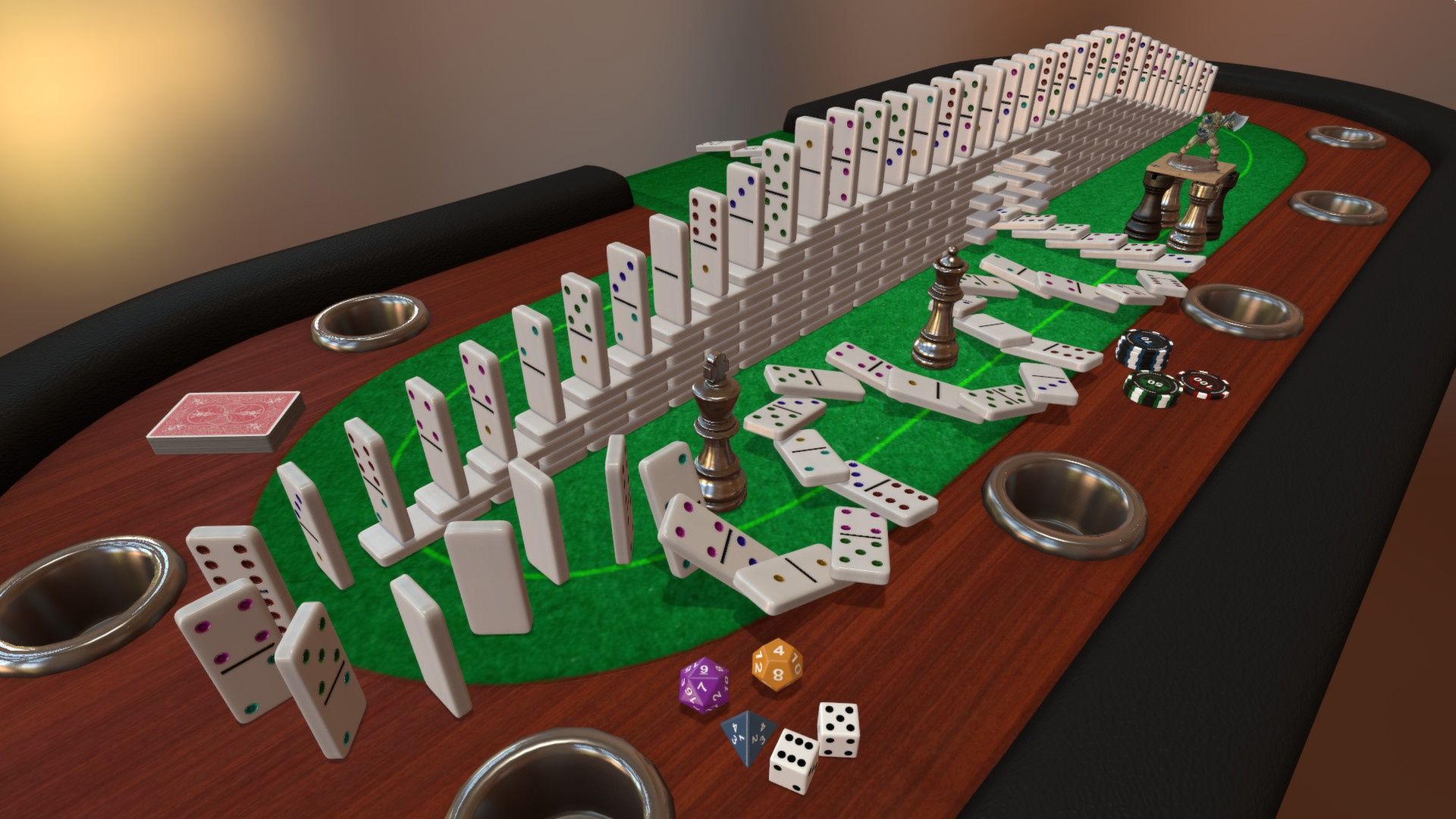
Once you've found a game you're interested in (you can use the search bar or browse categories), click on it. You'll often see a description, screenshots, and sometimes even user comments. If you like what you see, click the big green "Subscribe" button. This downloads the game to your TTS library.
After subscribing, go back to the "Create" menu. You should now see the game you subscribed to listed under "Games." Select it, and then choose a table to load it onto. You might see different table options for the same game, often with different layouts or themes. Pick one that looks appealing!
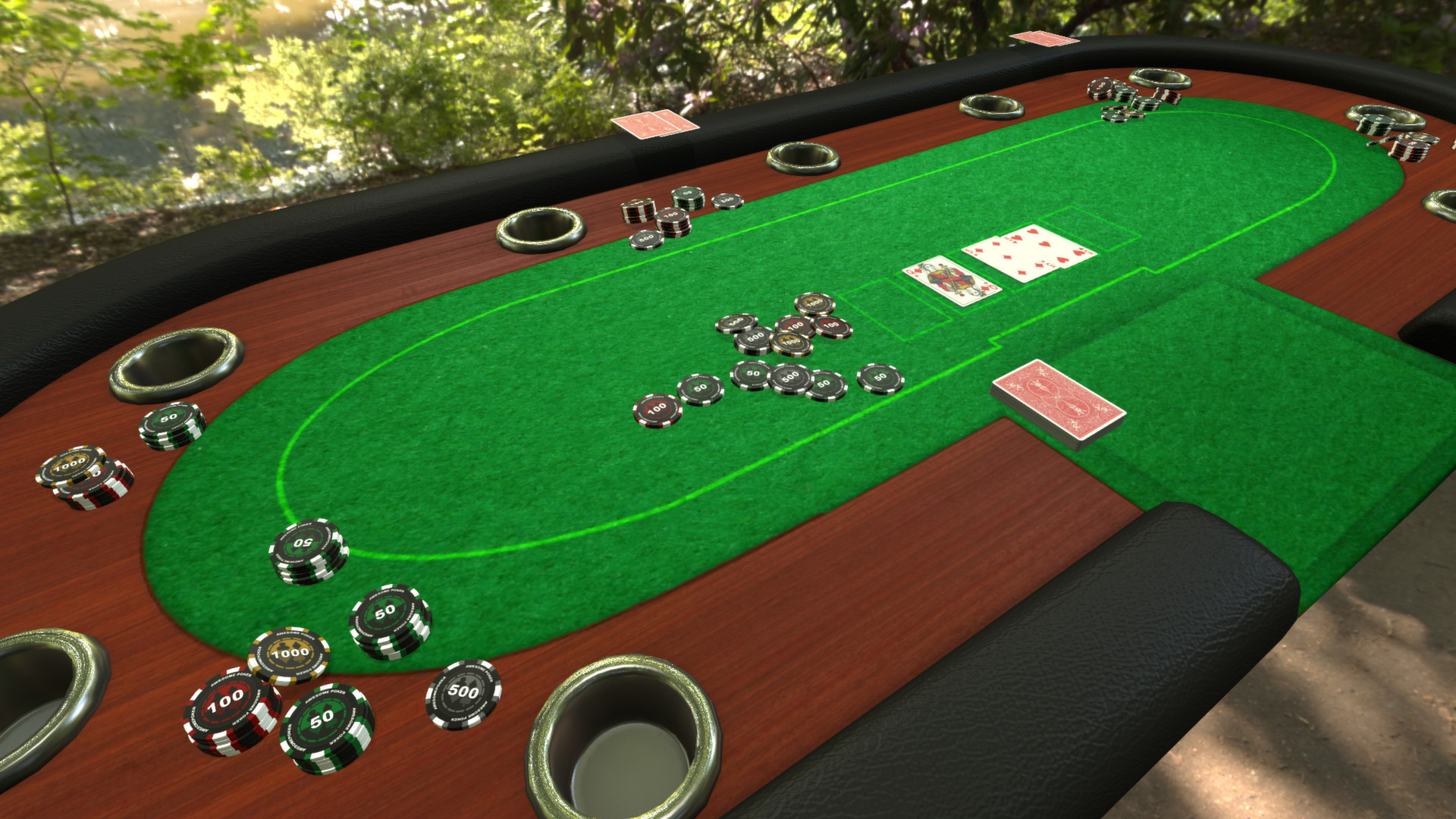
And just like that, you’re in! The game will load onto your table. You’ll see the board, the cards, the pieces – everything you’d expect. Now, the real fun begins. You have complete control. You can pick up pieces, shuffle decks, roll dice, and move them around just as you would in real life, but with the added power of digital manipulation.
Don't be afraid to experiment! If you’re unsure about a rule, many Workshop items include helpful guides or rulebooks you can spawn onto the table. You can drag, drop, flip, and rotate anything. Want to simulate a dice roll? There's a dice tray right there. Need to draw cards? Just right-click and draw!
Tabletop Simulator single player isn't just about playing games; it's about experiencing them in a completely new and accessible way. So, fire up TTS, dive into the Workshop, and let your solo tabletop adventures commence!