
How To Setup A Server At Home
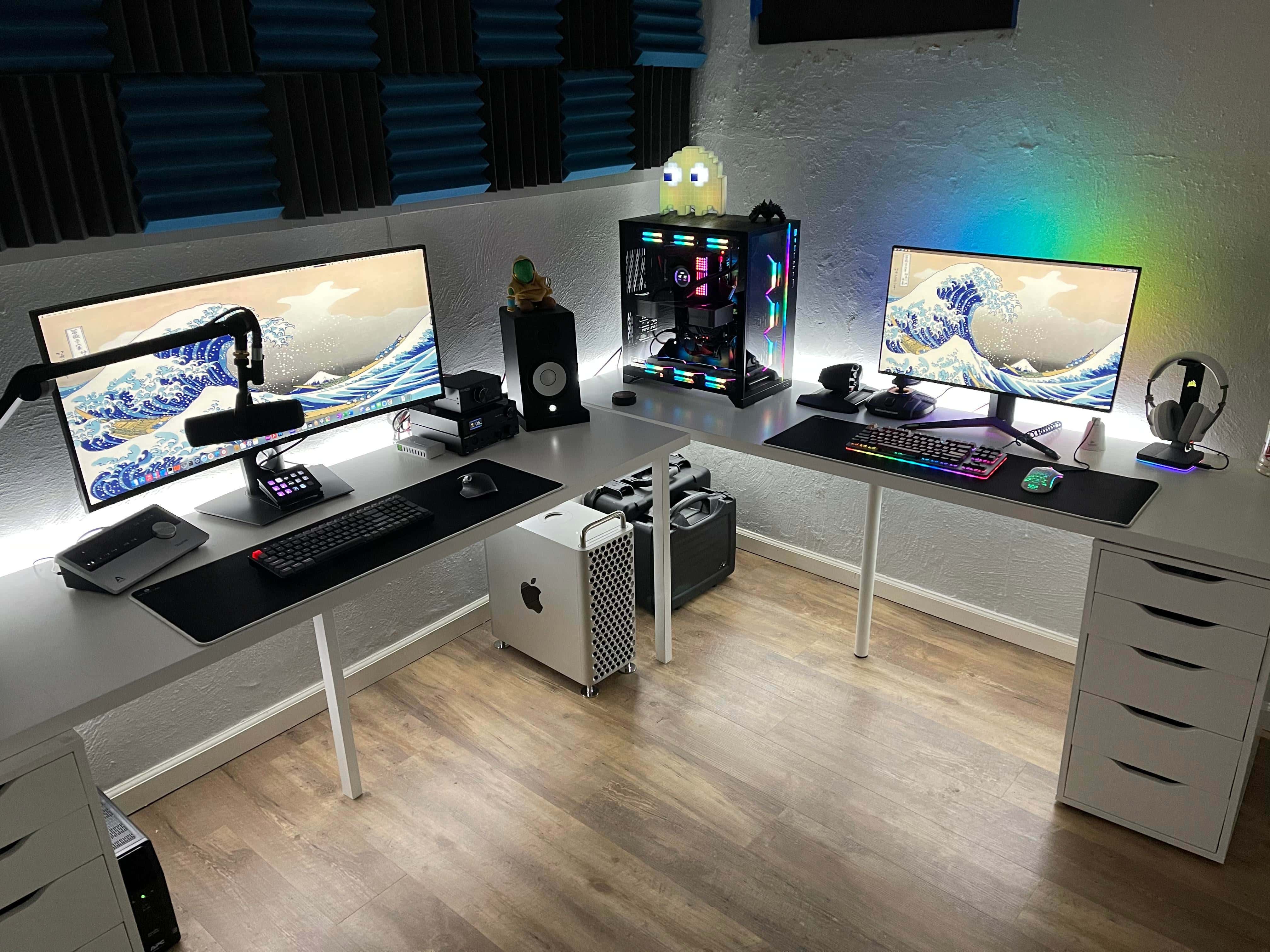
Ever stared at your own personal tech kingdom and thought, "You know what this needs? More power, more control, and a dash of DIY awesome"? Setting up a server at home might sound like something reserved for wizened tech wizards in darkened rooms, but guess what? It's more accessible and incredibly rewarding than you might think. Forget those clunky, intimidating machines; we're talking about unlocking a world of personalized digital services, all humming away right in your own abode. It's like having your very own superhero headquarters for your data and your digital life, and the journey to building it is surprisingly fun!
Why Bother With A Home Server? Let's Count The Ways!
So, what exactly is this "home server" magic, and why should you even consider conjuring it into existence? Think of it as a dedicated computer that's always on, ready to serve up whatever digital goodness you throw at it. Unlike your everyday laptop or desktop, which powers down when you're done, a server is a tireless digital servant. The benefits? Oh, they're plentiful!
Firstly, data ownership and privacy. In an age where our digital lives are increasingly entrusted to the cloud, having your own server gives you back the reins. Imagine storing your precious family photos, your entire music library, or sensitive work documents without sending them off to a third-party data center. You're the gatekeeper, the guardian of your own digital treasure chest. This level of control is incredibly liberating and a significant step towards digital self-sufficiency.
Secondly, it's all about personalization and customization. The possibilities are practically endless. Want to run your own media server like Plex or Jellyfin, streaming your movies and TV shows to any device in your house (or even outside your house!) without a hitch? Done. Fancy a personal cloud storage solution akin to Dropbox or Google Drive, but entirely under your control? Absolutely. You can even host your own website, build a game server for your friends, run a personal VPN for secure browsing, or set up a network-attached storage (NAS) for centralized file access. The beauty is that you choose the software and configure it precisely to your needs.
Thirdly, it’s a fantastic learning experience. Setting up and managing a home server is a hands-on education in networking, operating systems (often a flavor of Linux like Ubuntu Server or Debian), and the inner workings of the digital world. You'll troubleshoot, you'll experiment, and you'll gain a deeper understanding of the technology that powers so much of our lives. It's a rewarding challenge that pays dividends in knowledge and confidence.
Finally, let's not forget the cost savings. While there's an initial investment in hardware, the long-term savings on cloud storage subscriptions and other digital services can be substantial. Plus, you can often repurpose old computer hardware, giving it a new lease on life as a powerful server. It’s a sustainable and economical approach.

Getting Your Hands Dirty: The Basic Ingredients
So, how do you actually embark on this exciting adventure? It’s simpler than it sounds. At its core, you’ll need:
- Hardware: This can range from a dedicated small form factor PC, a mini-computer like a Raspberry Pi (which is incredibly popular for its low power consumption and affordability), to even an old desktop computer you're no longer using. The key is that it needs to be able to run an operating system and stay powered on reliably.
- An Operating System: Most home servers run on Linux distributions specifically designed for servers. Ubuntu Server and Debian are fantastic choices for beginners due to their extensive documentation and large, supportive communities.
- Networking: Your server will need to be connected to your home network, usually via an Ethernet cable for a stable connection, and you’ll need to know your way around your home router settings to make it accessible.
- Software: This is where the magic happens! You’ll install applications based on what you want your server to do. Think Samba for file sharing, Plex Media Server for movies, Nextcloud for personal cloud storage, or Docker for running multiple applications in isolated environments.
Don't let the technical terms scare you. The beauty of setting up a home server is that you can start small and gradually expand your capabilities as you learn. It’s a journey of discovery, a chance to become your own IT department, and a seriously fun way to gain ultimate control over your digital domain. So, dive in, experiment, and prepare to be amazed by what you can achieve right from your own home!