
How To Turn Day Night Cycle Off In Minecraft
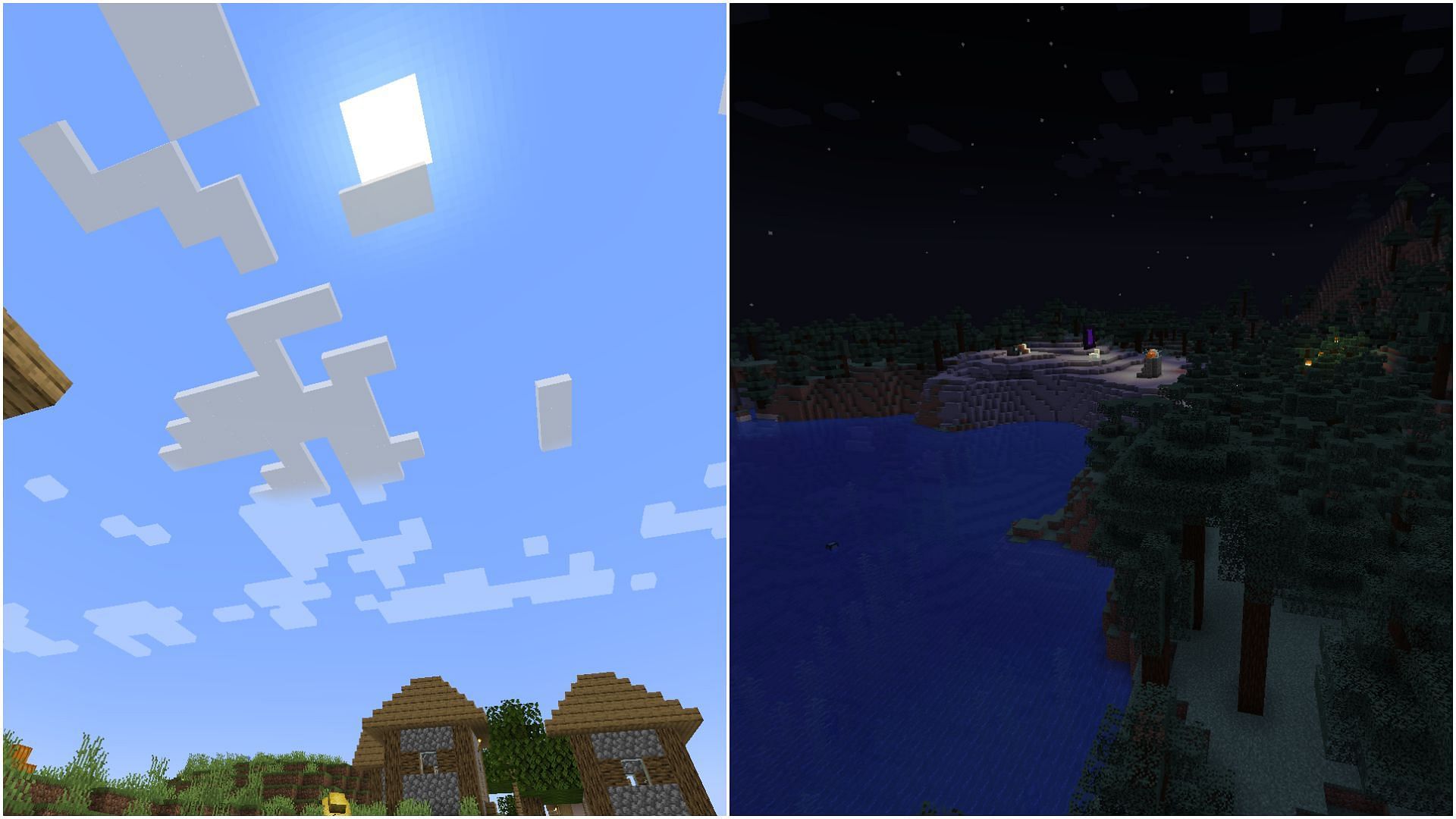
Ever found yourself wishing for more daylight in your Minecraft world, especially when you're in the middle of a crucial building project or a tricky exploration? Or maybe you just want to take some epic screenshots without the sun and moon getting in the way. Well, you're in luck! Minecraft offers a super simple way to control the passing of time, and it's a feature that a lot of players find incredibly fun and useful.
The ability to turn off the day-night cycle is more than just a neat trick; it opens up a whole new world of possibilities. For beginners, it can be a lifesaver. No more fumbling in the dark or having to wait for sunrise to finally see what you’re building. You can focus entirely on the creative aspect, letting your imagination run wild without the pressure of approaching monsters or a fading light. For families playing together, it means less frustration and more shared playtime. Imagine building that epic castle together, uninterrupted by nighttime creepers, or going on a deep cave dive without worrying about the time outside. And for dedicated hobbyists, the possibilities are even more expansive. Photographers can capture the perfect lighting for their breathtaking screenshots, redstone engineers can meticulously test their contraptions without time constraints, and speedrunners can practice their routes with consistent visibility.
So, how do you actually do it? It’s remarkably straightforward and involves a simple command. This is where the magic happens! The command you'll be using is called /gamerule doDaylightCycle false. Think of it as telling Minecraft, "Hey, no need to keep track of time anymore!" Once you enter this command, your world will freeze at whatever time it currently is. If it's daytime, it stays daytime. If it's nighttime, it stays nighttime. It's that simple!
Now, what if you want to change it back? Don't worry, it's just as easy. To re-enable the natural flow of day and night, you'll use the command /gamerule doDaylightCycle true. This simply reverses the effect, letting time march on as it normally would. You might also find yourself wanting to set a specific time of day. You can do this with commands like /time set day or /time set night. Combining these commands can give you even more control over your environment. For instance, you could set it to day, turn off the cycle, and then build to your heart's content. Or, if you're feeling spooky, set it to night and keep it there!

Getting started is incredibly easy. First, you need to make sure you have cheats enabled in your world. If you're creating a new world, you’ll see an option for this during the setup. If you're joining an existing world, you might need to open it to LAN with cheats enabled, or if you're the owner, you can often toggle this in the world settings. Once cheats are on, just open your chat window (usually by pressing 'T') and type in the command. Press Enter, and voilà! Your day-night cycle is now under your command.
Ultimately, being able to control the day-night cycle in Minecraft is a fantastic way to enhance your gameplay experience. Whether you're a seasoned veteran or just starting out, it offers a layer of flexibility and enjoyment that can make your adventures even more rewarding and less stressful. So go ahead, experiment, and enjoy your perfectly lit Minecraft world!