
How To Use A Minecraft Resource Pack
Imagine your trusty diamond pickaxe suddenly sporting a stylish new sparkle, or your grumpy villagers having a sudden outbreak of adorable, fluffy sheep costumes. That's the magic that a Minecraft resource pack can bring to your blocky world!
Think of it like giving your favorite game a super fun makeover. You’re not changing the game itself, just how it looks and sounds. It’s like putting on a silly hat or painting your house a completely new color – the house is still your house, it just feels…different!
Unlocking a New Vibe
Resource packs are these amazing little packages of custom textures and sounds created by super talented folks in the Minecraft community. They can transform your familiar world into something completely unexpected and, dare I say, way cooler.
Ever felt like your cobblestone walls were a bit…meh? Well, a resource pack can turn them into something that looks like it’s straight out of a medieval castle, or perhaps even a sleek, futuristic spaceship! The possibilities are as endless as a creeper's tendency to sneak up on you.
From Gritty to Gorgeous
Some packs go for realism, making your trees look so lush you can almost smell the pine needles and your water so clear you might expect to see a fish wink at you. Others embrace the whimsical, turning your everyday mobs into adorable little cartoon characters.
I once stumbled upon a pack that made all the zombies look like… well, really sad, slightly wobbly jellybeans. It was surprisingly less terrifying and more… melancholic. I felt bad hitting them, but hey, survival of the fittest, right?
Then there are the packs that are just plain hilarious. Imagine your diamond armor looking like it's made of bright pink bubblegum, or your creepers suddenly sounding like squeaky toys when they explode. It’s the kind of thing that makes you laugh out loud and potentially scare your cat.
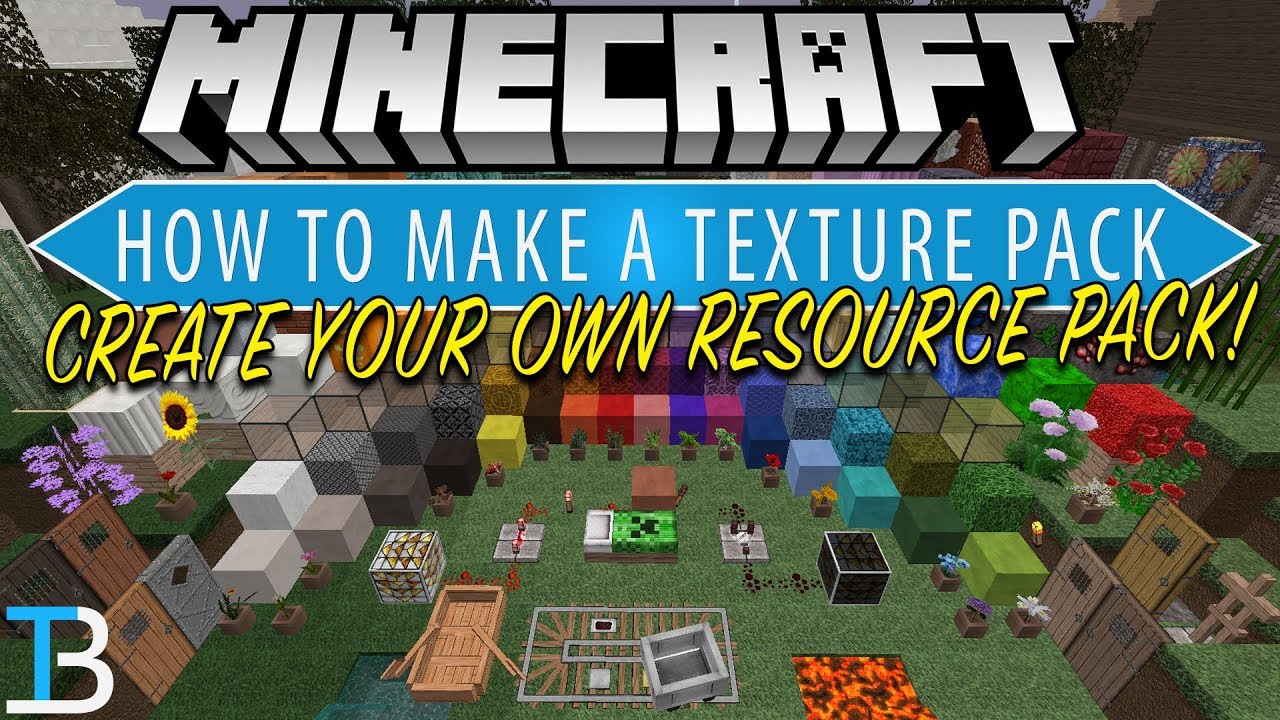
Getting Started: It's Easier Than Building a Redstone Contraption
Now, you might be thinking, "This sounds complicated! I'm not a computer whiz!" But I promise you, it's usually a breeze.
First things first, you'll need to find a resource pack you love. Websites like the official Minecraft forums, Planet Minecraft, or CurseForge are treasure troves of these creations. You’ll see screenshots and descriptions that will give you a good idea of what to expect.
Look for packs that match your aesthetic. Are you going for a fantasy adventure, a cozy cottage feel, or a high-tech utopia? There’s a pack out there for every mood and every adventure.
Downloading the Goodies
Once you've picked your perfect pack, downloading is usually as simple as clicking a button. It will likely come as a .zip file. Don't panic; this is just a way of bundling everything together neatly.
Think of the .zip file like a present. You've got the gift inside, but you just need to unwrap it before you can enjoy it.
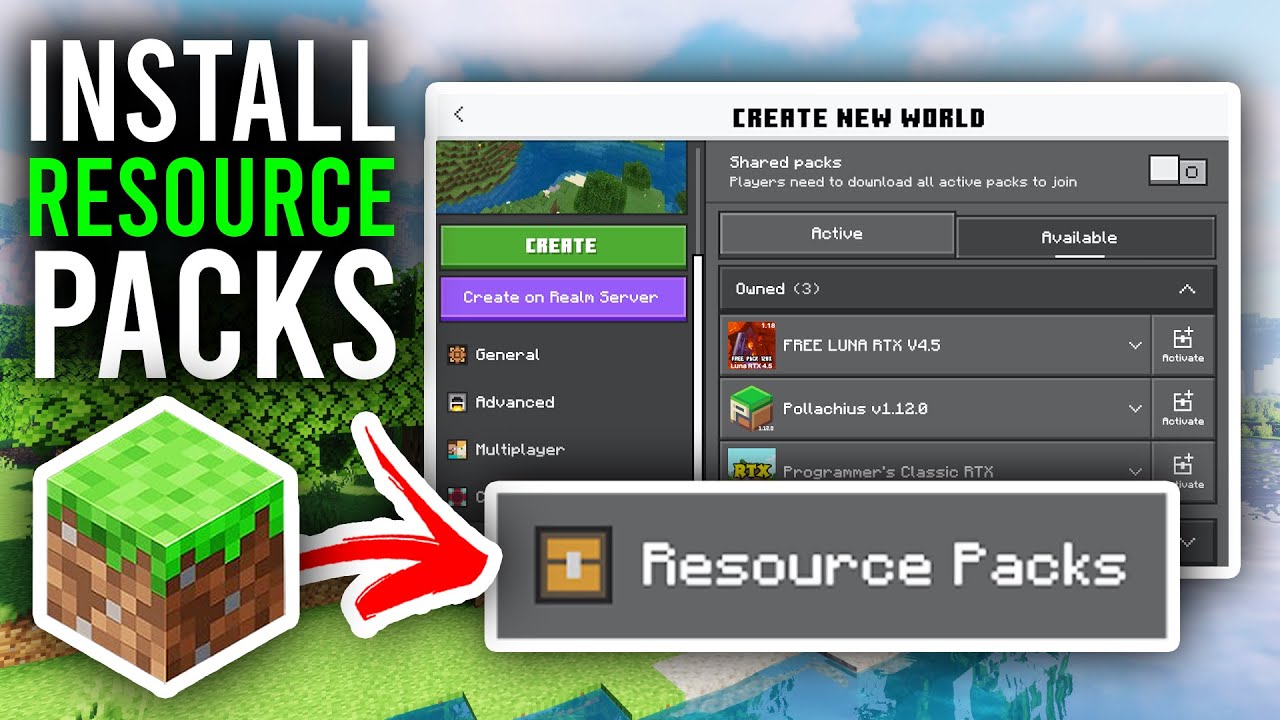
Now, for the magic part: getting it into Minecraft. You'll need to open up your Minecraft game folder. Don't worry, it’s not hidden in some secret dimension!
On Windows, a quick way to find it is to press the Windows key + R, type %appdata%\.minecraft, and hit Enter. It's like a secret handshake for your computer.
Inside that .minecraft folder, you'll find a folder specifically for resource packs, usually labeled “resourcepacks”. This is where all your downloaded goodies will live.
Unzipping the Fun
Now, take that .zip file you downloaded and drag and drop it into that “resourcepacks” folder. If your computer is feeling extra helpful, it might ask if you want to unzip it. Just say yes! Or, if you have a program like WinRAR or 7-Zip, you can right-click the .zip file and choose “Extract Here” or “Extract Files.”
And voilà! You've just installed a resource pack. It’s like planting a seed in your Minecraft garden; now you just need to let it grow.

Activating Your Masterpiece
The next step is to actually tell Minecraft to use your new resource pack. Fire up your Minecraft game.
Once you're in the main menu, you'll see a button that says “Options.” Click on that. From there, you'll find another button called “Resource Packs.”
This is where the magic happens. On the left side of the screen, you'll see a list of packs that are available but not currently active. Your newly installed pack should be right there, probably looking a bit lonely.
To activate it, simply hover your mouse over your chosen pack and click the little arrow that appears. It will then slide over to the right side of the screen, into the “Selected Resource Packs” area. Think of it as moving your favorite decoration from the "maybe" pile to the "definitely" pile.
You might need to make sure your preferred pack is at the top of the list if you have multiple packs installed. This tells Minecraft which one takes priority. It's like deciding which song you want to play first at a party.

Once you’re happy with your selection, click the “Done” button. Minecraft will do a little re-calculation, and then… BAM!
You'll be back in your game, and everything will look and sound gloriously different. Your familiar world will suddenly feel fresh and exciting again, all thanks to a few clever files.
A World of Possibilities
The beauty of resource packs is that they're not permanent. You can switch them out as often as you like. Feeling like a medieval knight today? Slap on a knightly pack. Tomorrow, you want to be a sci-fi explorer? There’s a pack for that too.
It's like having a closet full of different outfits for your Minecraft world. You can dress it up or down, make it spooky, make it silly, make it utterly breathtaking.
So go forth, explore the vast and wonderful world of Minecraft resource packs. You might just discover a whole new way to fall in love with your favorite blocky game, one pixel at a time. And who knows, maybe you'll even find a pack that makes the creepers sound like tiny opera singers. Now wouldn't that be something?