
What Is The Cause Of Blue Screen Of Death
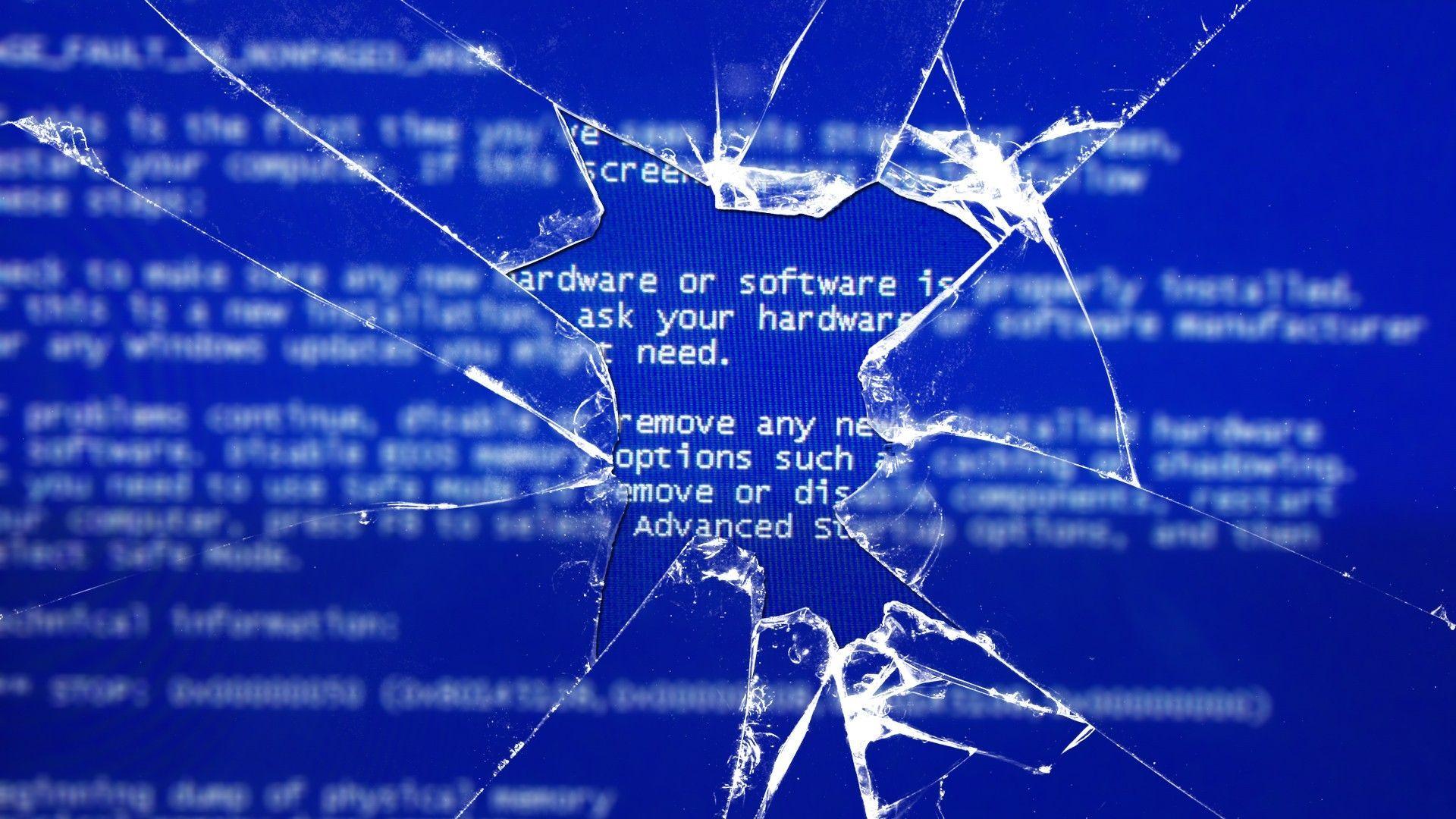
Oh, the dreaded Blue Screen of Death. You know the one. That stark, unforgiving blue canvas that suddenly replaces your carefully crafted spreadsheet, your epic gaming session, or that perfectly edited photo. It’s the digital equivalent of a universe-imploding sneeze, isn't it? And for many of us, it’s a moment of sheer panic. Don’t worry, you're not alone!
But what is this mysterious blue void? Is it a cosmic joke? A secret message from alien overlords? A glitch in the Matrix? Well, while those theories are certainly more exciting, the truth is a little more grounded. And guess what? Understanding it can actually be… dare I say… fun?
It’s Not Your Fault (Probably!)
First off, let's take a collective sigh of relief. Most of the time, the Blue Screen of Death (BSOD, for those in the know and wanting to sound super techy) isn't a sign that you've personally broken your computer. Phew! Think of it as your computer's way of saying, "Whoa there, buddy! I'm overwhelmed, and I need a minute to reboot my brain."
It's essentially a critical error. Your operating system, usually Windows in this scenario, has encountered a problem so severe that it can't continue running safely. So, instead of chugging along and potentially corrupting your precious data, it throws up that blue flag and calls for a restart.
So, What’s Behind the Blue?
Imagine your computer is a super-organized office worker. They have a desk full of papers (your files), a fancy stapler (your hardware), and a brain full of instructions (your software). The BSOD happens when something goes seriously haywire in that office.
Hardware Havoc
Sometimes, the culprit is a physical component. Think of your computer’s RAM (Random Access Memory) as its short-term memory. If it’s acting up, maybe it’s a bit tired, a bit faulty, or just not seated properly. Like a misplaced file on that office desk, it can throw everything off.
Or what about your graphics card? That’s the part responsible for all those pretty pictures on your screen. If it’s overheating or has a driver issue, it can get grumpy. Ever tried to do complex math when you have a killer headache? Yeah, that’s kind of what your graphics card is feeling.

Even your hard drive, where all your important stuff lives, can be a troublemaker. If it’s on its last legs or has corrupted sectors, it’s like a filing cabinet with drawers that keep jamming. Not ideal for efficient office work!
Software Shenanigans
Ah, software. This is where things can get really interesting. Your operating system is a complex piece of code, and it relies on other pieces of code called drivers. Drivers are like the translators between your hardware and your software. They tell your operating system how to "talk" to your printer, your webcam, your graphics card, and so on.
When a driver is faulty, outdated, or just plain incompatible, it’s like someone giving your computer a set of instructions in a language it doesn't understand. Confusion ensues! This is a super common reason for BSODs. It's almost like your computer is trying to have a conversation, and one of the participants is speaking gibberish.
Then there's malware. Those sneaky viruses and other nasties can mess with your system files, corrupting them and causing all sorts of mayhem. It's like a mischievous intern spilling coffee all over the important documents and then trying to hide the evidence. Naughty!
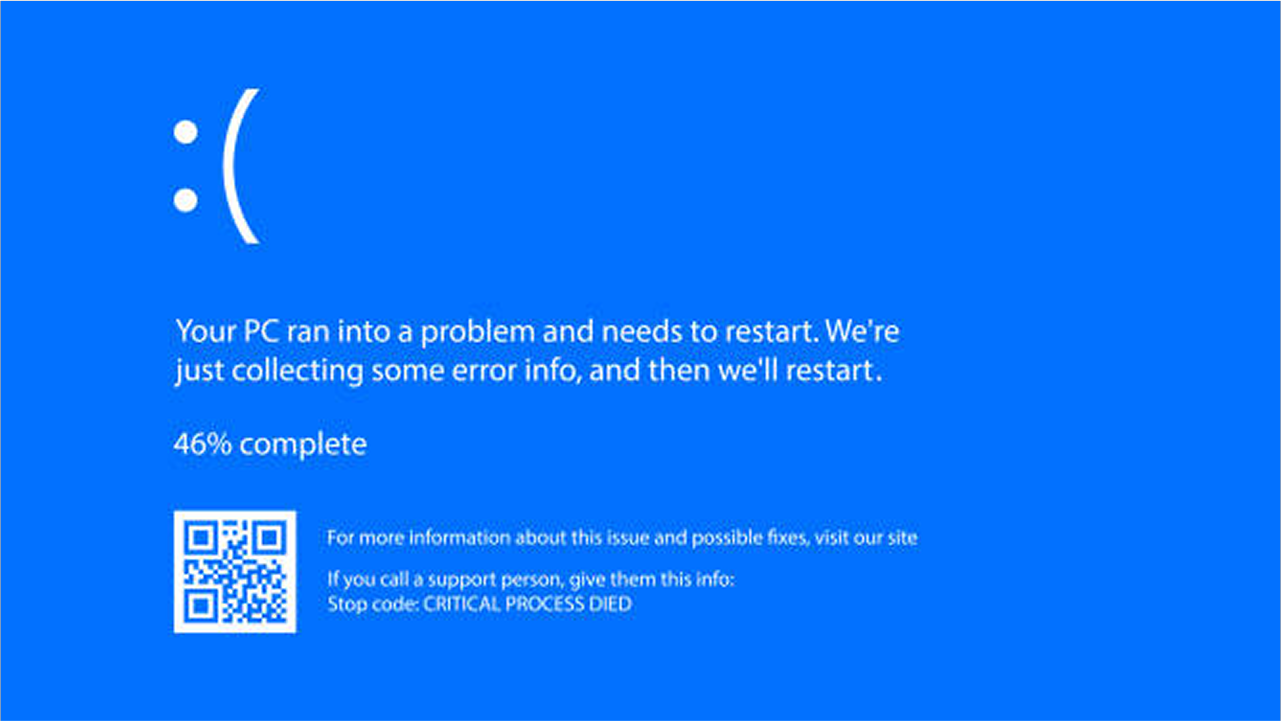
And sometimes, it’s just a plain old software bug. Even the best-written code can have little hiccups. When these hiccups happen in a critical part of the system, boom! Blue screen.
The Mystery of the Error Code
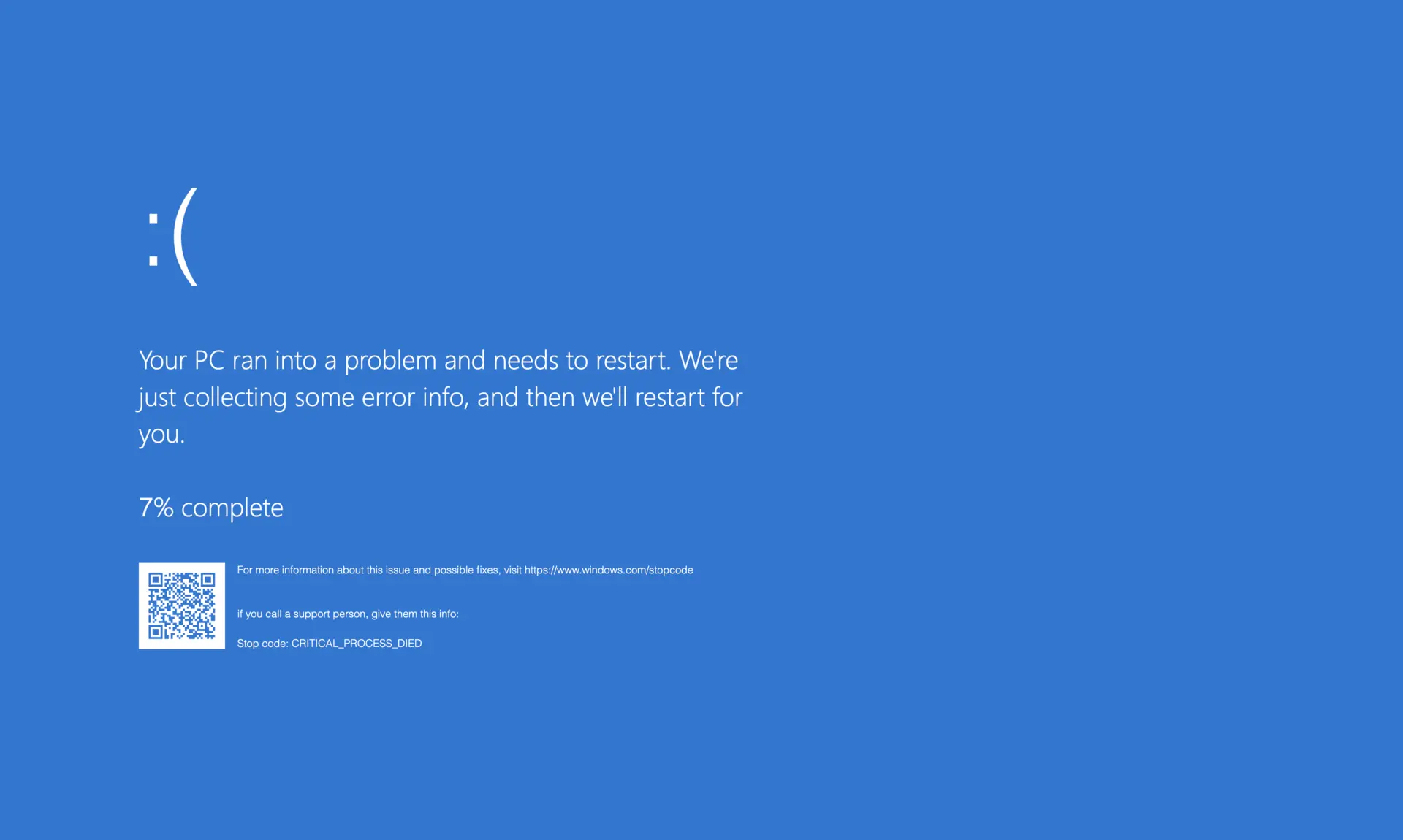
Now, here’s where it gets a tad more detective-y. When the BSOD appears, it often shows you a cryptic error code. It might look like something out of a sci-fi movie, like `IRQL_NOT_LESS_OR_EQUAL` or `PAGE_FAULT_IN_NONPAGED_AREA`. Don't let these scare you!
Think of these codes as clues. They're not just random letters and numbers; they're hints about what went wrong. A quick search online for that specific code can often lead you to the exact culprit. It’s like a treasure hunt, but the treasure is a functioning computer!
This is where the fun truly begins. Instead of just being frustrated, you can become a digital detective. You can arm yourself with knowledge. You can learn about how your computer works, how software and hardware interact, and how to troubleshoot problems. It’s empowering!
Making the Blue Less Blue
So, how do we avoid this dreaded blue? Prevention is key, as they say!
Keep your drivers updated: This is HUGE. Regularly check for updates for your graphics card, network adapter, and other important hardware. It’s like giving your office worker the latest training manuals.
Scan for malware: Run your antivirus and anti-malware software regularly. A clean system is a happy system.
Avoid questionable downloads: Stick to reputable software sources. You wouldn’t eat food from a sketchy street vendor, right? Apply the same logic to your downloads.

Check your hardware: If you've recently installed new hardware, make sure it's compatible and installed correctly. Sometimes, a loose cable is the villain!
Don't overload your system: Running too many demanding programs at once can stress your computer. Give it a break!
Embrace the Learning Curve!
The Blue Screen of Death, while annoying, is also an opportunity. It’s a chance to learn, to grow, and to become more comfortable with the technology that powers our modern lives. Instead of fearing the blue, see it as an invitation to explore the fascinating inner workings of your computer.
Every BSOD you encounter is a lesson learned. Each error code you decipher is a skill acquired. You’re not just fixing a problem; you’re becoming a more capable and confident user of your technology. So, the next time that blue screen pops up, take a deep breath, grab your detective hat, and get ready to unravel the mystery. You’ve got this!